PokerStars Review: Bonus Code & Download

 Not available in Ohio
Check out the available free online games in your region








Notify me when PokerStars becomes available in Ohio
Ohio Legal Online Gambling
Not Currently Available In Your State
Not Currently Available In Your State
Not Currently Available In Your State
About PokerStars
PokerStars has been in business since 2001, making it one of the longest-running online poker sites in the world. Since its creation, PokerStars has grown exponentially and is now by far the market-leader in the online poker industry.
In addition to the busiest and widest variety of cash games, the Red Spade is the home to the biggest weekly online poker tournament – the Sunday Million – and hosts massive online festivals such as the Spring Championship Of Online Poker (SCOOP), MicroMillions, Turbo Series and World Championship Of Online Poker (WCOOP).

Felix 'xflixx' Schneiders - Professional Poker Player wrote
My favorite thing about PokerStars is that I know how much everyone there truly cares about the poker community - this spirit is reflected in all their products.
Pros
- Free poker games for beginners
- Fantastic sign-up bonuses
- Dedicated poker app for Android and iOS
- Top selection of cash games and tournaments
- The site is busy 24 hours per day every day
- Best customer support team in the industry
- The most reliable software on the web
- Home of the Sunday Million, SCOOP and WCOOP
Cons
- Accepts US players only in NJ, PA, and MI

PokerStars Welcome Bonus & Sign-up Code
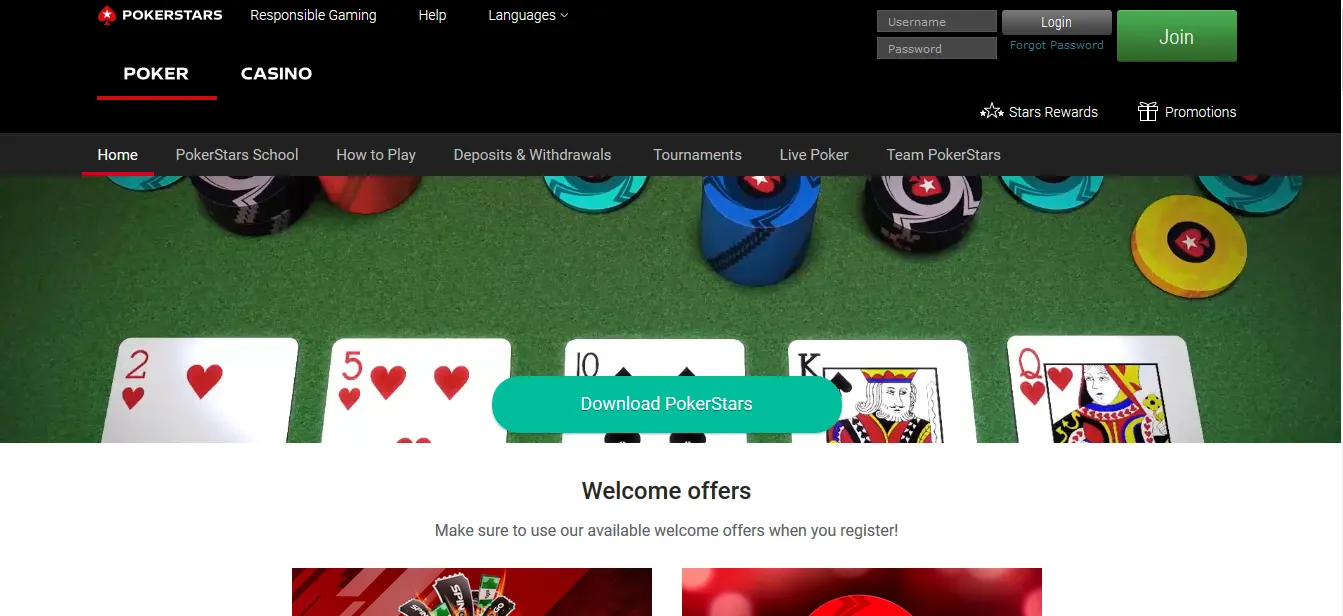
Once you have downloaded PokerStars via PokerNews and created you account using the marketing code "STARS600", get ready to make your first deposit and receive a welcome bonus worth up to $600. Make a deposit and PokerStars matches your deposit amount up to $600 in the form of a bonus.
Players earn redemption points for every USD$1 you pay in rake or tournament fees. Every time you reach 180 redemption points, your Stars Account will be credited with $10 cash. Players have four months after each qualifying deposit to earn all the redemption points needed to release your bonus.
Please note that players do not earn reward points at pot-limit and no-limit tables with blinds of $5/$10 or higher, 8-game tables with stakes of $20-$40 or higher, or other limit games with stakes of $20-$40 or higher.
Poker Games Available to Play at PokerStars
PokerStars spreads a wide variety of cash games and tournaments. In fact, it's probably the best online poker room to play at if you're looking for a choice of games to play.
Besides plenty of tables available for fan favorites no-limit hold'em or pot-limit omaha, PokerStars has a range of other poker game types that aren't so mainstream, but offer exciting and alternative gameplay.
Here's a list of the different poker variations available to play on PokerStars:
- Texas Holdem Poker
- Omaha Poker
- Seven Card Stud
- Seven Card Stud 8 or Better
- Omaha Hi-Lo
- 2-7 Triple Draw
- 2-7 Single Draw
- Razz
- HORSE
- 8-Game
The Best Poker Tournaments to Play at PokerStars
As mentioned previously, PokerStars is the home to the WCOOP, SCOOP and MicroMillions - all of which are huge poker festival series with a range of different online poker tournaments to play.
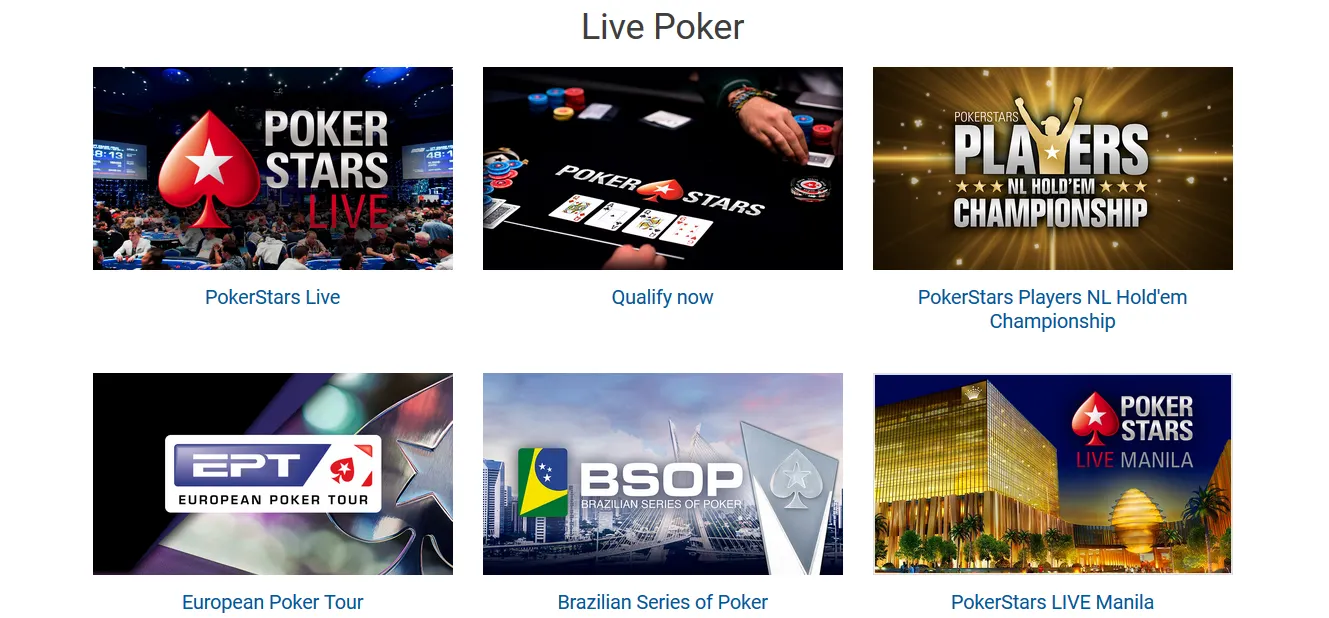
PokerStars also hosts some of the largest online poker tournaments in the weekly tournament calendar - ones such as the Sunday Million. You can also qualify for major live events with PokerStars including the European Poker Tour (EPT), Brazilian Series of Poker (BSOP) and even the PokerStars Players Championship (PSPC)

Play Zoom Poker on PokerStars
Zoom Poker is PokerStars' offering to the "fast-fold" craze: an exhilarating way to play online poker. Check out this introduction to Zoom Poker with PokerStars Ambassador Felix Schneiders!
The rules are the same as those of a standard poker game, but you can be dealt up to 300 hands per hour on each table you sit at! How is this possible? Easy, because instead of being seated at a single table with the same opponents and staying at the same table until you leave (like it would happen in a "normal" game), you are entered into a pool of players.
When you fold, you are whisked away and placed at a new table with new opponents, and a new hand is dealt immediately.
You can even fold before the action gets to you, so if you are dealt seven-deuce on the button and don’t want to play this trash hand, simply click the "Fast Fold" button and you will be moved to a new table and dealt another hand immediately!
Your opponents on your old table will not know you have folded until the action gets to you, by which time you could have been dealt two or three more hands!
This is the fastest way to play poker on the Internet, and you can see you log tons of volume, clear bonuses, and climb up the VIP scheme quicker than ever before. You can play Zoom poker cash games AND tournaments on PokerStars.
Play Short Deck Hold'em / 6+ Hold'em
PokerStars launched 6+ Hold'em, also known as Short Deck Hold'em, in January 2019. The game's popularity has exploded in the live poker scene over the past few years, with it being the game of choice for high stakes players.
The game plays like a traditional Hold'em cash game, except all deuces through fives are removed from the deck, leaving only 36 cards in the deck. Aces can be high or low, acting as a five when used to make a straight, so the lowest possible straight is A-6-7-8-9. Also, three-of-a-kind beats a straight, and a flush beats a full house!
It's crazy, but it's fun!
Play Online Poker with Friends with PokerStars Home Games
PokerStars allows you to create private cash games and tournaments via the Home Games feature. This special facility is provided so you can play against friends and create leagues and clubs all through the excellent PokerStars software.
Home Games is perfect for those of you who want to play against your friends and only your friends, but never seem to be able to get together in person. That and for members of poker clubs and forums who want to battle it out at the virtual felt against their own members without having to find a public table.



Is PokerStars a Good Online Poker Site For Beginners?
Although PokerStars is the online poker site of choice for serious players and professionals alike, PokerStars is also an excellent choice for poker players at the start of their journey.
First of all, the PokerStars software is widely regarded as being the best in the business thanks to it being easy to use, in addition to being stable and fast. Beginner poker players don't have to worry about glitches or software that is challenging to navigate if they play online poker at PokerStars.
The wide variety of games and stakes makes PokerStars a paradise for beginners. Whether you want to learn the nuances of No-Limit Hold'em or learn how to play H.O.R.S.E. or 2-7 Triple Draw, you can all but guarantee there will be a game running. PokerStars boasts some of the biggest traffic numbers in the online poker industry, which makes waiting for a game to start a thing of the past.
Those games come with stakes as low as $0.01/$0.02, so newcomers don't have to risk much money to get started with real-money poker. Similarly, multi-table tournaments begin with buy-ins under $1, providing players with the opportunity to win big for a relatively small initial investment. Play money games in various formats and variants are also available for players who wish to practice and try new games before taking the real-money plunge.
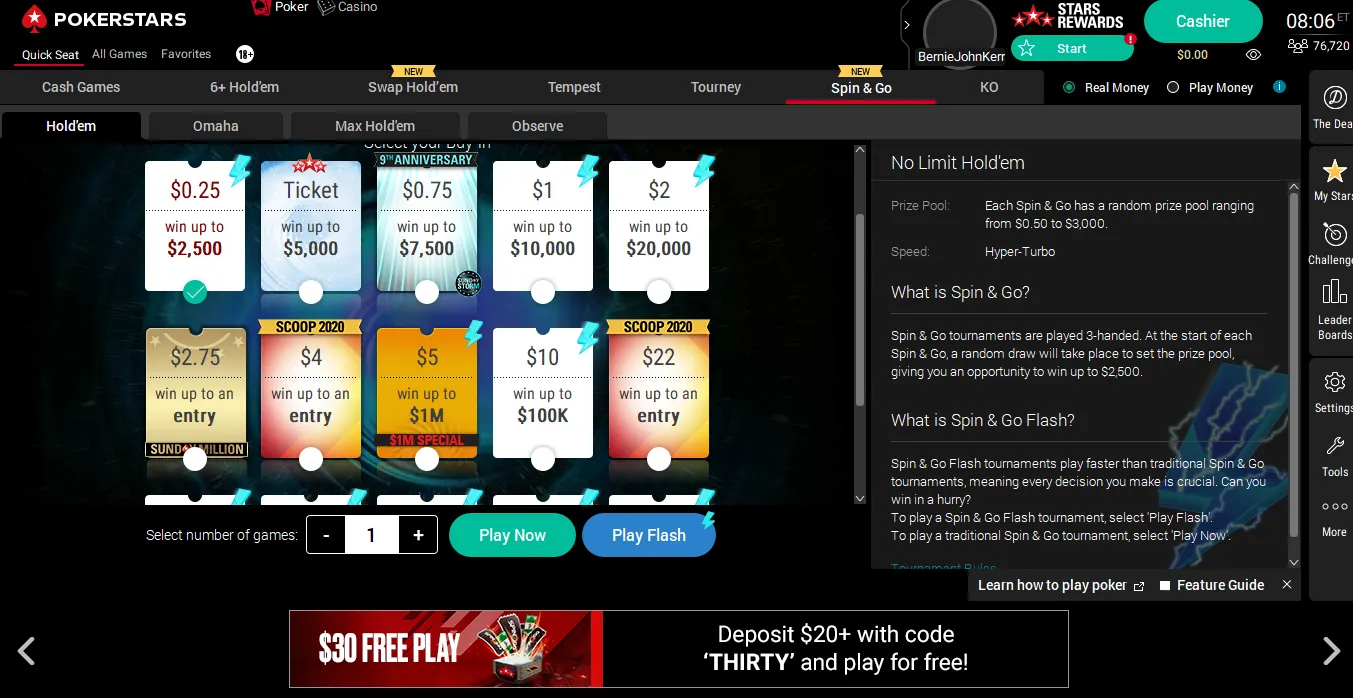
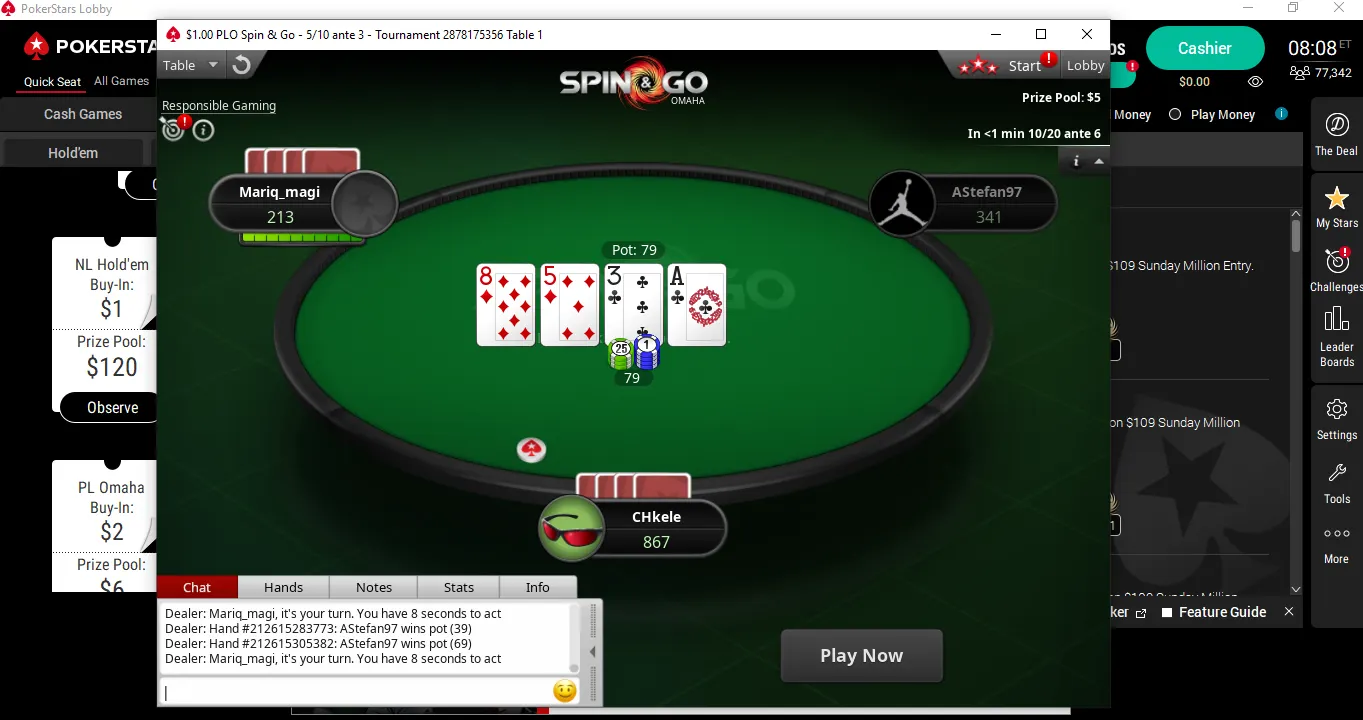
Additionally, Spin & Go tournaments with a wide range of buy-ins run continuously throughout the day and night. These three-handed jackpot sit-and-go tournaments only have two opponents to beat, are completed in a matter of minutes, and make it possible to win massive prizes.
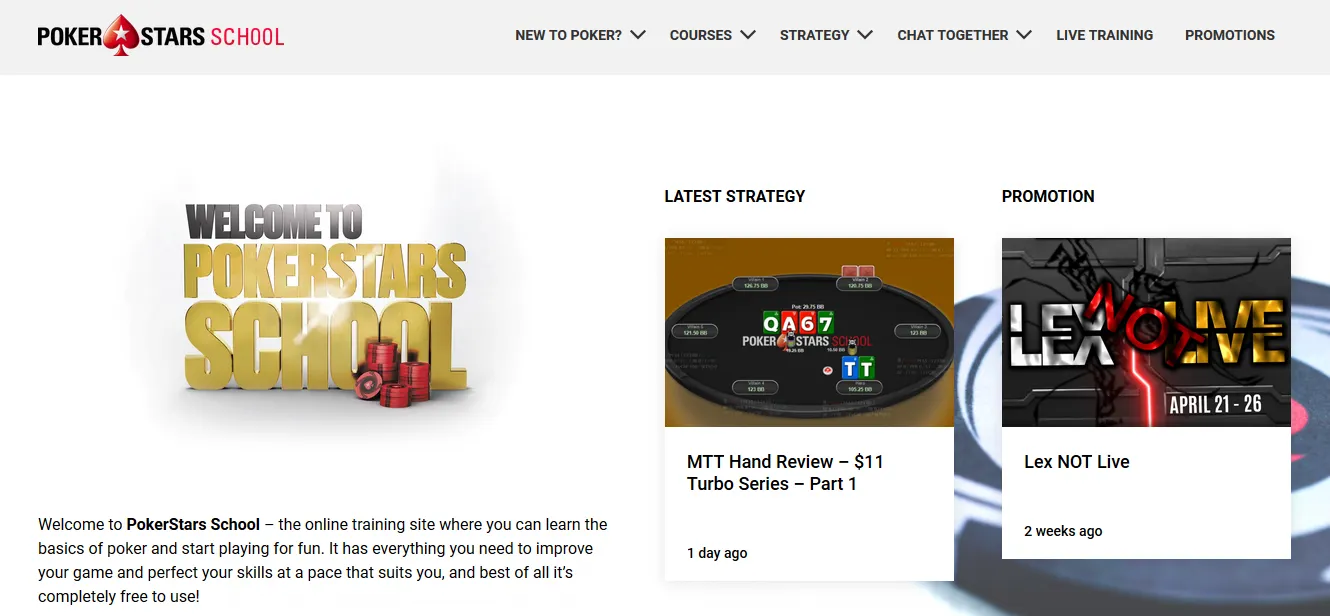
Then there's the Learn section of the PokerStars site and blog where you'll find plenty of guides and strategy tips for almost every poker variant imaginable, plus other strategies such as bankroll management, mental game, and poker psychology. Throw into the mix the generous 100% up to $600 welcome bonus and the plentiful promotions throughout each month, and you have the recipe for the perfect online poker site for beginners.
PokerStars Freerolls - Play Free Online Poker Tournaments at PokerStars
PokerStars offers several freeroll poker tournaments each week, where players can play real money online poker absolutely free and win real cash prizes for finishing in the money!
Check out the PokerNews Online Tournament Calendar below to find the best PokerStars freerolls.
PokerStars Desktop Software Review
PokerStars arguably the best software of any online poker site and is widely considered the largest and busiest online poker room in the world.
Their desktop software offers an unrivalled game selection, the biggest and richest online poker tournaments, and is generally considered to be the safest and most financially secure online poker site in the world.
PokerStars Desktop Features
- Cash Games - Hold'em, Omaha, Stud, and a selection of Mixed Games
- Zoom Fast Fold Poker
- 6+ Hold'em Short Deck Cash Game Tables
- All-In or Fold Tempest Hold'em
- Sit & Go
- Spin & Go - Check out The 2023 Guide to PokerStars Spin & Go Poker
- Grand Tour
As well as a HUGE selection of daily tournaments all easily accessible from the PokerStars client.
Notable PokerStars Features
As expected from the world’s biggest online poker site, PokerStars is often a trend-setter regarding new and innovative features.
The latest version of the PokerStars software makes it easy for you to jump straight into a game in only a few clicks of your mouse and has a plethora of settings to make your time at the PokerStars tables be enjoyable.
Some PokerStars features include auto-top up of your stack in cash games, preferred seating options, slick-and-easy inbuilt note taking software, various table themes to enjoy, a full customisable lobby and award winning customer support.
PokerStars App Review
Available for both Android and iOS, the PokerStars Mobile app has industry-leading features to make you feel like you are playing on the downloadable desktop version of the world’s biggest online poker site.
You get access to the same great selection of Cash Games, Sit & Go's, and tournaments, as well as an online cashier so that you can deposit and withdraw on the move.
Players using the PokerStars mobile app are also able to play on multiple tables at once - up to four on most mobile phones!
| Aspect | iPhone | Android |
|---|---|---|
| No. of Downloads | - | 500k + |
| Regions Available | UK, FR, RO, US, ON + more | UK, FR, RO, US, ON + more |
| App Limitations v Desktop | Not all games modes available. | Not all games modes available. |
| Games Available | No-limit Hold'em, PLO + more | No-limit Hold'em, PLO + more |
| Minimum Deposit | $10 | $10 |
| Minimum Withdrawal | $10 | $10 |
| Deposit Methods | Visa, Mastercard, Skrill + more | Visa, Mastercard, Skrill + more |
| 3 Key App Features | -Auto switching available when multi-tabling.-High-level protection of funds and data.-Intuitive user experience. | -Auto switching available when multi-tabling. -High-level protection of funds and data. -Intuitive user experience. |
| Rewards | $1 = 100 reward points. Redeem reward points for cash rebates and other prizes. | $1 = 100 reward points. Redeem reward points for cash rebates and other prizes. |
| Sign-up Bonus | 100% bonus up to £400. | 100% bonus up to £400. |
PokerStars Home Games on Mobile
PokerStars recently announced that its world-renowned home games would be available on mobile, allowing players to join, set up and manage their own online home games through the PokerStars client.
To get started and create your own poker home game, simply follow these steps:
- Go to the 'Home Games' tab in the main lobby
- Then, create your poker club and send the invitation link out to the players you want in your game.
- Once added, you can tailor the specifications of your game to suit your preferences.
PokerStars home games are one of the most accessible options to play online poker with friends.
Find the Best PokerStars Tournaments
Ready to start playing at PokerStars? Our Online Poker Tournament Calendar keeps you up to date and helps you find and play all the best PokerStars online poker tournaments.
PokerStars General Info
- Owner/operator: Flutter PLC
- Software provider: Rational Enterprises (in-house)
- Company headquarters: Isle of Man
- Game server location: Isle of Man
- PokerStars is licensed by Malta Gaming Authority (MGA/B2C/213/2011)
After the collapse of the old Full Tilt Poker, PokerStars stepped in and acquired Full Tilt Poker’s assets for $731 million, which allowed Full Tilt Poker’s customers to be repaid. This happened in June 2012 and two years later, in 2014, Amaya Gaming acquired both PokerStars and Full Tilt Poker in a blockbuster $4.9 billion deal.
In 2016, Full Tilt completed its migration to PokerStars, and in 2021 the brand and software was officially retired.
In October 2019, Flutter Entertainment and The Stars Group merged to form an online gambling company valued at more than $13 billion.
PokerStars Support (PokerStars Live Chat, Email and Phone Number)
PokerStars Support e-mail: [email protected]
PokerStars Support phone number: PokerStars does not currently offer a phone number for its support.
PokerStars Support live chat: PokerStars does not currently offer live chat support.
PokerStars Deposit & Withdrawal Methods
You can deposit and withdraw your funds very easily with PokerStars. It's safe, secure and very quick. Most deposit methods fund your account instantly. Withdrawals will take longer, but again, we found that around 90% of withdrawals would arrive back into the bank account within 24 hours.
See a full list of all the deposit and withdrawal methods below.
| Operator | Deposit | Withdrawal |
|---|---|---|
 VISA
VISA
|
1-5 days
|
|
 MasterCard
|
1-3 days
|
|
 Skrill
|
1-2 days
|
|
 ecoPayz
|
1-7 days
|
|
 FirePay
|
1-7 days
|
|
 Click2Pay
|
1-7 days
|
|
 Wire Transfer
|
4-7 days
|
|
 Switch
|
1-7 days
|
|
 Check
Check
|
1-7 days
|
|
 Diners Club
|
1-7 days
|
|
 Paysafecard
|
1-2 days
|
|
 Solo
Solo
|
1-7 days
|
|
 Inter-Account Transfers
|
1-7 days
|
|
 echeck
|
1-7 days
|
|
 WebMoney
|
1-7 days
|
|
 Maestro
|
1-7 days
|
|
 EntroPay
|
1-7 days
|
|
 Pix
Pix
|
1-7 days
|
Languages Available on PokerStars
 简体中文
简体中文 Hrvatski
 Čeština
 Dansk
Dansk Icelandic
 Nederlands
 English
 Eesti
Eesti Finnish
 Français
 Deutsch
 Ελληνικά
 Magyar
 Italiano
 日本語
日本語 Lietuvių k.
 Latviešu
 Norwegian
 Polski
 Português
 Русский
 Español
 Slovak
 Slovenian
 Svenska
 Ukrainian
PokerStars US
We have a whole section dedicated to how to play PokerStars in the US. You will find out all about the online poker laws and regulations in the USA. PokerStars for real money is available to play in Pennsylvania, New Jersey and Michigan, with the latter pair currently sharing player pools.
If you happen to be in a State where online poker hasn't been legalized, then you can try PokerStars Play, a free-to-play product.




PokerStars Additional info
- PokerStars Best Bonus Codes and Promos (2024)
- PokerStars Mobile App - iOS and Android Review
- PokerStars Home Games
- How to Download PokerStars
- Play PokerStars for Real Money
PokerStars Ambassadors & Team Pros











Latest PokerStars News




PokerStars Promotions & Offers




PokerStars Videos




PokerStars Podcasts




PokerStars FAQs
Is PokerStars legal?
Yes, PokerStars is entirely legal. However, it might be restricted in certain states and countries, but IF PokerStars operates in your region then it's completely legal to play there.
Can you still play PokerStars for real money?
Yes, you can still play at PokerStars for real money. You can also play free online poker with free play chips on PokerStars, to practice your skills in a risk-free environment.
How do I play PokerStars without real money?
There are two ways you can Play real online poker on PokerStars without real money. Firstly, you can play PokerStars freerolls. These are free to enter and if you finish high enough, you can win real money. On the other hand, PokerStars offers free play, where you can play tournaments and cash games online with play chips and no real money involved.
Is it safe to install PokerStars?
Yes, it is very safe to install PokerStars.
Can I play on PokerStars in the US?
You can play on PokerStars in the US in New Jersey, Pennsylvania, and Michigan. In other US states, PokerStars Play is a great alternative.
Is GG Poker better than PokerStars?
GG Poker and PokerStars are two of the best poker sites around. Which one is better is very much subjective, as both have significant benefits and a lot of strengths. For PokerStars, the game selection and liquidity (in terms of the number of players playing all the games) is extensive. GG Poker, on the other hand, offers a unique poker experience - with new features like seeing flops that would have hit when the hand doesn't make it past preflop.
Other Poker Sites You Might Like...
Sorry, no real money games are currently available in your region, but you can play these Free Online Games